
 5 min read
SafetyGuide23 Mar 20264 min read
Safe Video Rewards Setup
How to build and rotate reward playlists without exposing kids to external recommendations.
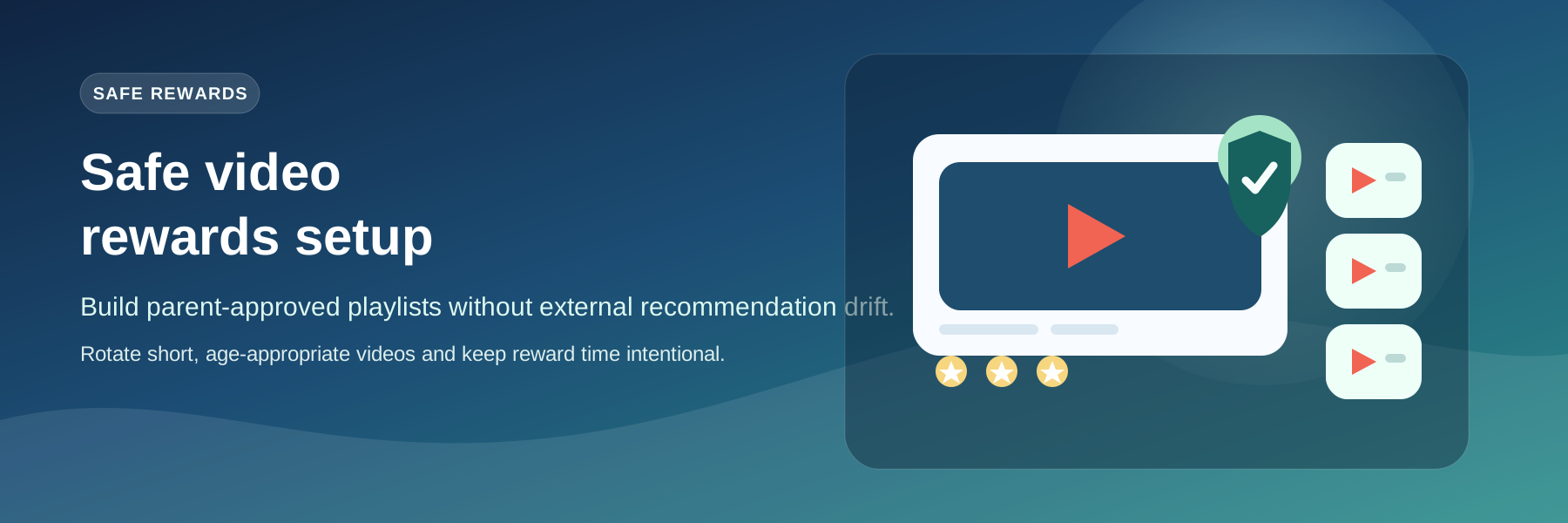
Whitelist first
Kids can only consume videos that are in their assigned playlist and validated by the backend.
Setup flow
- Create or update the playlist in Parent Library.
- Assign the playlist to the kid profile.
- Keep videos age-appropriate and short.
- Refresh the playlist weekly to keep rewards motivating.
Tip: Rotate content regularly so rewards stay exciting without becoming endless screen time.
Avoid long-form content that turns reward time into uncontrolled screen time.
More Tutorials
5 min read 5 min read